Unsure which service you need? Describe what you want to improve and we will help you identify the next step.
01 /
Servers and infrastructure
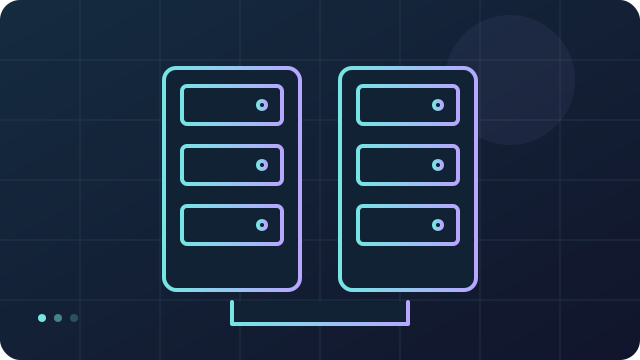
Server implementation and maintenance, networks, storage and backups. We assess firewalls and security monitoring for your environment.
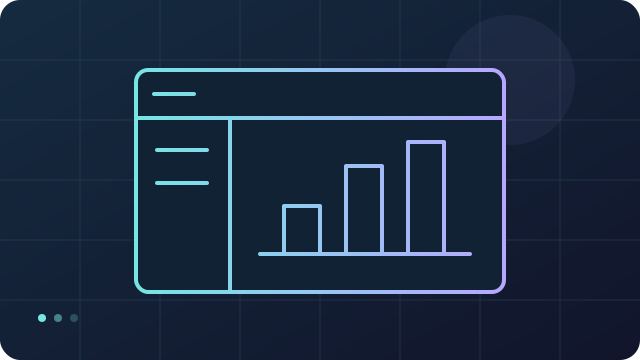
Server and data review
Setup and backups
Recovery test
Conceptual diagram · no systems connected
We assess workloads, networking and the data to protect; configure servers, storage and backups; then check access and data recovery.
02 /
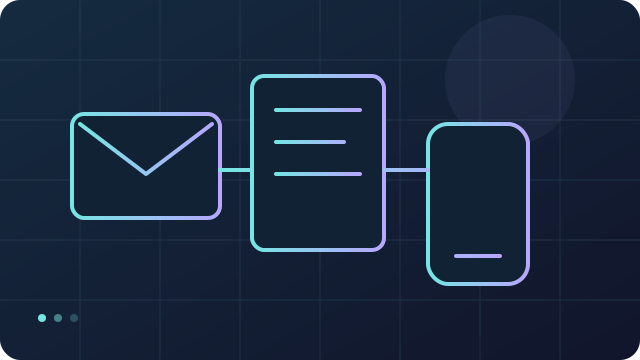
Email and business tools
Email system implementation and tools for sharing files, organizing work and managing phone systems. We also assess AI tools that run locally.
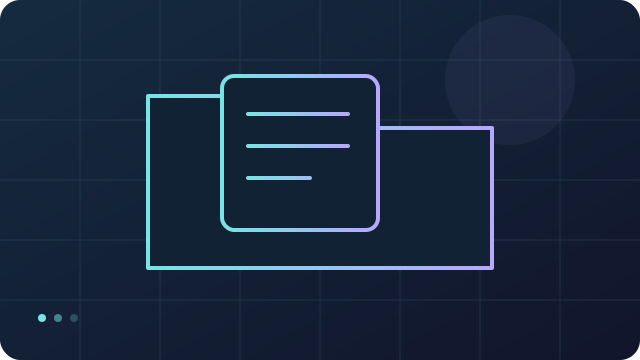
Accounts and tools
Email and collaboration
User checks
Conceptual diagram · no systems connected
We define accounts, roles and required tools; configure email, shared files and telephony; then test delivery, access and collaboration with users.
03 /
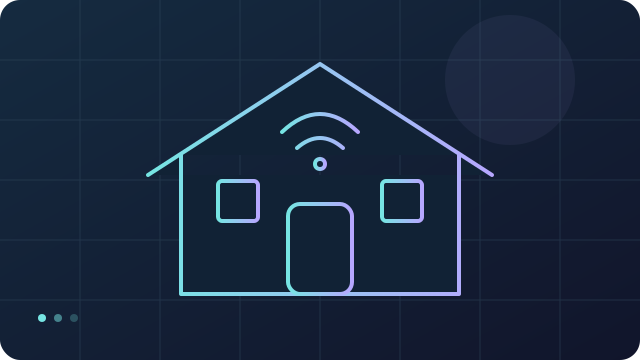
Smart home
Smart home implementation for homes and workspaces, based on your devices and the functions you need.
Needs and devices
Connections and routines
Scenario testing
Conceptual diagram · no systems connected
We check device compatibility and network coverage; connect devices and configure agreed routines; then test scenarios and manual controls.
04 /
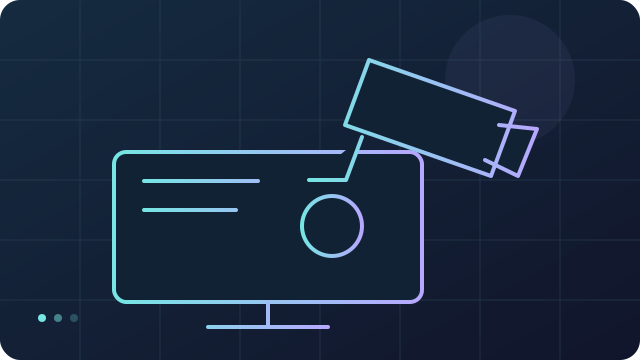
Surveillance systems
Surveillance system implementation based on your spaces and needs. We define the project with you before proceeding.
Areas and requirements
Cameras and recording
Image and access checks
Conceptual diagram · no systems connected
We define coverage areas, privacy and retention requirements; configure cameras, recording and access; then check image quality and playback.
05 /
Computers and devices
Help with hardware and software issues, device setup and security settings.
Problem diagnosis
Agreed intervention
Device testing
Conceptual diagram · no systems connected
We investigate the hardware or software problem and agree the work; repair or configure the device while protecting data; then check operation with the customer.
06 /
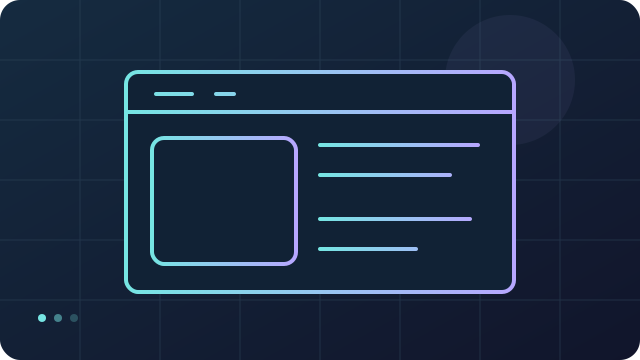
Websites
WordPress website design and assessment of hosting and maintenance needs.
Goals and content
Structure and development
Checks and publication
Conceptual diagram · no systems connected
We define the audience, goals and content; build the structure and pages; then check navigation, forms and mobile layouts before the agreed publication.
07 /
ERP System
Bring sales, purchasing, inventory and accounting into an ERPNext system configured for your business.
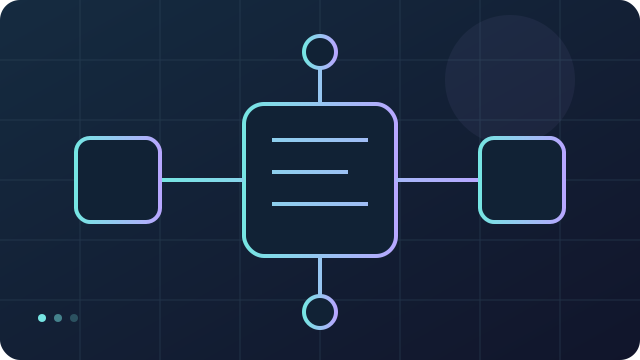
Map business processes
Configure modules and data
Test and train users
Conceptual diagram · no systems connected
We review your processes and data, configure the agreed ERPNext modules and roles, then test key transactions and train your team.
08 /
Personal Cloud
Your files, calendars and collaboration tools in a Nextcloud environment with defined access and backups.
Review files and access
Set up cloud and backups
Test sharing and recovery
Conceptual diagram · no systems connected
We assess storage and users, configure Nextcloud with access controls and backups, then test synchronisation, sharing and recovery.
09 /
Advanced Phone System
A FreePBX phone system with extensions, call routing and voicemail tailored to your organisation.
Plan numbers and call routes
Configure extensions and trunk
Test incoming and outgoing calls
Conceptual diagram · no systems connected
We agree call routes and provider requirements, configure FreePBX extensions and the telephone trunk, then test calls, voicemail and access controls.
10 /
Cyber Security
Assess risks, strengthen systems and configure Wazuh SIEM to collect and analyse security events.
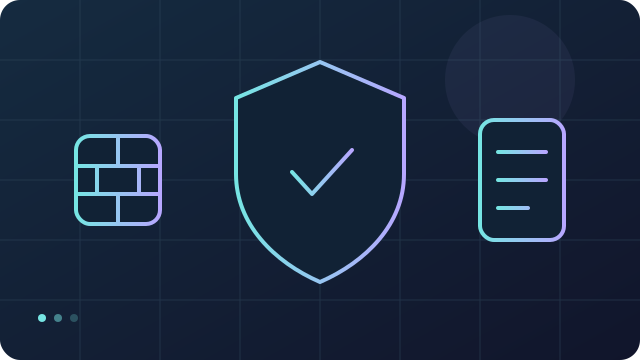
Assess assets and risks
Configure protection and SIEM
Test alerts and response
Conceptual diagram · no systems connected
We agree the monitoring scope, configure hardening and Wazuh event collection, then test alerts and document response responsibilities. Monitoring hours and ongoing support are agreed separately.
11 /
AI Implementation
Put AI to work on agreed tasks, with local models, agent workflows and access controls suited to your organisation.
Define tasks and data boundaries
Configure models and workflows
Validate results and train users
Conceptual diagram · no systems connected
We assess use cases and hardware, configure the agreed Ollama, Hermes agent or Paperclip components, then test output quality, permissions and human approval steps. We document any external data transfers, limitations and support arrangements.
PLANETMAV / STACK
Technology Stack & Service Architecture.
Explore each layer and what it helps you do. Tool selection depends on your needs.
L01
Servers and data
Proxmox · TrueNAS
Proxmox
TrueNAS
Organize servers, storage and backups
Layer details
We organise the foundation for services and data: servers, virtual machines, storage and backups sized for the intended workload.
Define computing resources, storage capacity and access permissions.
Configure storage and separate backup copies around the agreed requirements.
Test recovery and document configuration and maintenance.
Data control — Keep inference local when configured without cloud services.
Offline use — Downloaded models and local dependencies are required.
Model choice — Model choice is constrained by hardware and model licenses.
Ollama · Hermes agent · Paperclip
Paperclip
Hermes agent
Ollama
Run language models on your own hardware, with control over model choice and how data is processed. A fully local setup can keep prompts and responses on your infrastructure and work offline once the model is downloaded. Connect local models to selected workflows; capabilities and response speed depend on the model, hardware and configuration.
Ollama runs local models, Hermes agent carries out configured tasks, and Paperclip coordinates agents, assignments and approvals. External integrations may send data off-device.
Layer details
We assess AI models on your hardware and connect them to specific workflows. Performance and output quality depend on the model, resources and configuration.
Define the use case, permitted data and criteria for evaluating responses.
Configure the model, access and integrations; distinguish local processing from external services.
Test quality, response times and error handling, with human review before consequential actions.
Smart home: lights, heating, sensors, blinds and locks brought under one set of controls, so a single routine can act on several devices at once. Zigbee is the standard most often used for this, because its low-power mesh lets battery-powered devices reach a hub without joining the Wi-Fi network. Which devices can be combined depends on the equipment and on what each manufacturer makes available.
Surveillance systems: camera positions and coverage are planned together with where recordings are stored, how long they are kept and who may view them. Cameras that take in shared areas, public space or a workplace carry obligations under Italian law, which we go through with you before anything is installed.
Layer details
We bring together home or workplace devices and routines, keeping everyday controls, networking and access to camera footage clearly defined.
Check compatibility, coverage and intended scenarios for sensors, lights and other devices.
Configure routines and manual controls; define access and retention for cameras.
Test scenarios and behaviour when connectivity is lost, then explain everyday operation.
App isolation — App isolation separates applications; configuration depends on supported hardware and application requirements.
Permissions — Assess and configure application permissions for your needs.
Computer configuration and assistance
Windows
Linux
GrapheneOS
Help resolve hardware and software issues
Phone security with GrapheneOS: assess supported-device compatibility and configure privacy and security controls, including app isolation and permissions. Availability depends on the device and application requirements.
Windows and Linux for PCs and laptops: installation, migration, drivers, updates, accounts and backup checks. We assess hardware and application compatibility before choosing the operating system.
Layer details
We support the device you use every day: diagnosis, setup, updates and access protection suited to your hardware and needs.
Assess the problem, compatibility and data to safeguard before work begins.
Carry out the agreed repair or configuration and set up accounts and updates.
Check operation with the user and provide guidance on backups and everyday use.
Product names and logos are trademarks of their respective owners and are shown to identify the technologies we work with. Tux is by Larry Ewing ([email protected]) and The GIMP.
PLANETMAV · PADOVA
Tell us what you need
Email support@planetmav.com with the service or issue and how you would like us to contact you. Do not send passwords or confidential information.
 PLANET
 01 /
01 /